Create a network object of co-occurrences
Arguments
- df
A data frame
- var
Variable name (character vector)
- weight
Median,Top50 or TopN. Top 50 shows top 50 words, TopN shows top N words and Median shows all words above the median.
- n
Used together with weight = 'topN' to specifiy the top N words that should be returned.
- clean_text
Cleans text if TRUE
- ...
Further arguments passed to tm_clean_text
- network
Output from [tm_network()].
- word_color
Color of the words.
- range
Size range of the words. Default is c(9,16).
Examples
# https://www.r-bloggers.com/turning-keywords-into-a-co-occurrence-network/
library(janeaustenr)
library(ggplot2)
library(dplyr)
df <-
austen_books() %>%
filter(book == "Sense & Sensibility") %>%
sample_n(1000)
# Create cooccurrence network object
network <-
tm_network(df,
var = "text",
weight = "topN",
n = 40,
clean_text = TRUE,
remove_stopwords = TRUE
)
#> Registered S3 method overwritten by 'vegan':
#> method from
#> print.nullmodel parsnip
#> Warning: The network might be undirected. If this is the case, each tie should be mention twice. The symmetrise-function can be used to include reverse version of each tie.
#> Warning: Data assumed to be weighted one-mode tnet (if this is not correct, specify type)
# Plotting it automatically with predefined features.
# It returns a ggplot object if you want to make aesthetic changes or add titles.
library(ggnetwork)
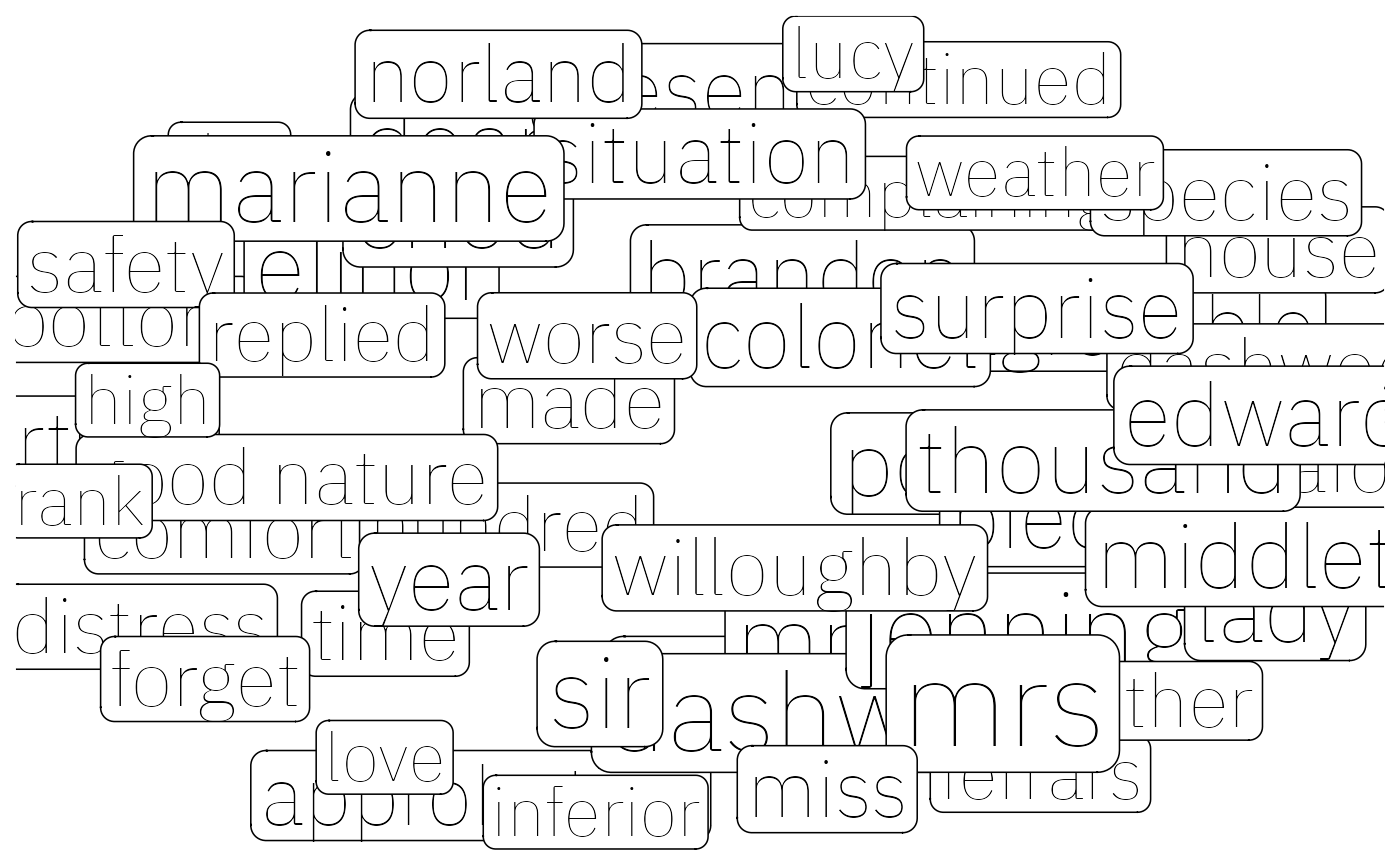
plot <- tm_network_plot(network)
#> Warning: Ignoring unknown parameters: `label.size` and `box.padding`
#> Warning: The `<scale>` argument of `guides()` cannot be `FALSE`. Use "none" instead as of ggplot2 3.3.4.
#> ℹ The deprecated feature was likely used in the g6tr.tm package.
#> Please report the issue to the authors.
plot
 # Saving the plot is the same as other g6tr plots since it's a ggplot:
if (FALSE) { # \dontrun{
g6tr.theme::finalise_plot(plot,
width_pixels = 1300,
height_pixels = 1000, type = "white",
filepath = "networkplot.png"
)
} # }