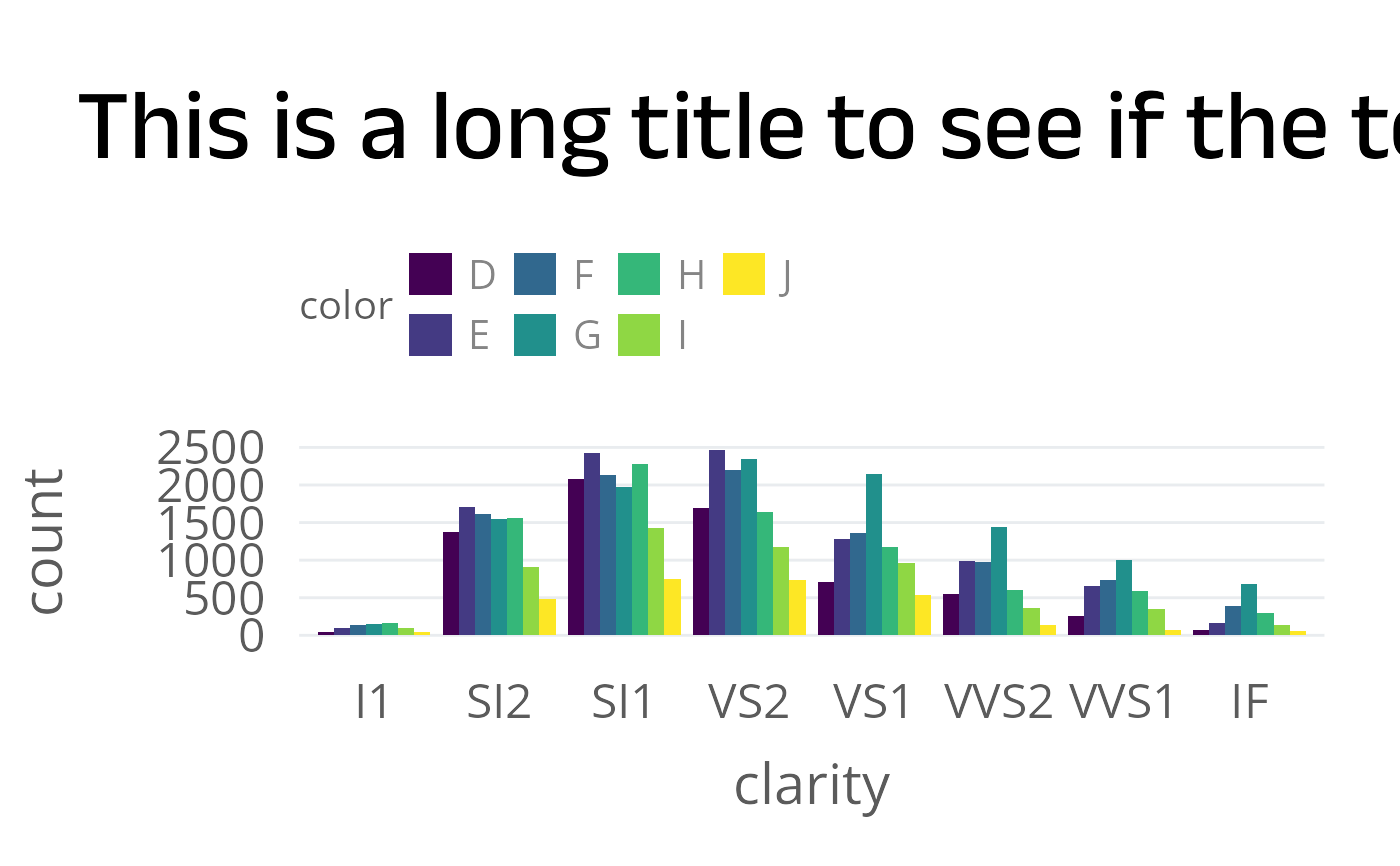
Edit the ggplot2::theme() settings to use Gradient branding
guidelines
Usage
theme_g6tr(
  base_size = 30,
  transparent = FALSE,
  title_textbox = TRUE,
  title_position = c("plot", "panel"),
  x_grid = TRUE,
  y_grid = TRUE,
  axis_text_size = base_size * 0.6,
  axis_title_size = base_size * 0.7,
  facet_strip_bg = NULL,
  facet_strip_color = NULL,
  facet_strip_text_color = NULL
)
Arguments
- base_size
Numeric. All text elements in the plot are scaled based on this size.
- transparent
Should the plot output type be transparent? (default is
FALSE) FALSE gives the plot a'white'background.- title_textbox
Logical. If the
ggtext::element_textbox_simple()should be used or not. Default isTRUEbecause this will automatically wrap the text if it's too long.- title_position
Character. Where should plot text/subtitle and caption be located. One of
panelandplot(default). Pass in a vector (plot.title, plot.caption) if you want different positions for plot.title and plot.caption.- x_grid, y_grid
Logical. Do you need the axis and panel grid lines on the x and y axis?
- axis_text_size
Numeric. Size of axis text. Pass in a vector (x, y) if you want different sizes for x and y axis.
- axis_title_size
Numeric. Size of axis title Pass in a vector (x, y) if you want different sizes for x and y axis.
- facet_strip_bg, facet_strip_color, facet_strip_text_color
Character. Color for facet strip background, border and text..
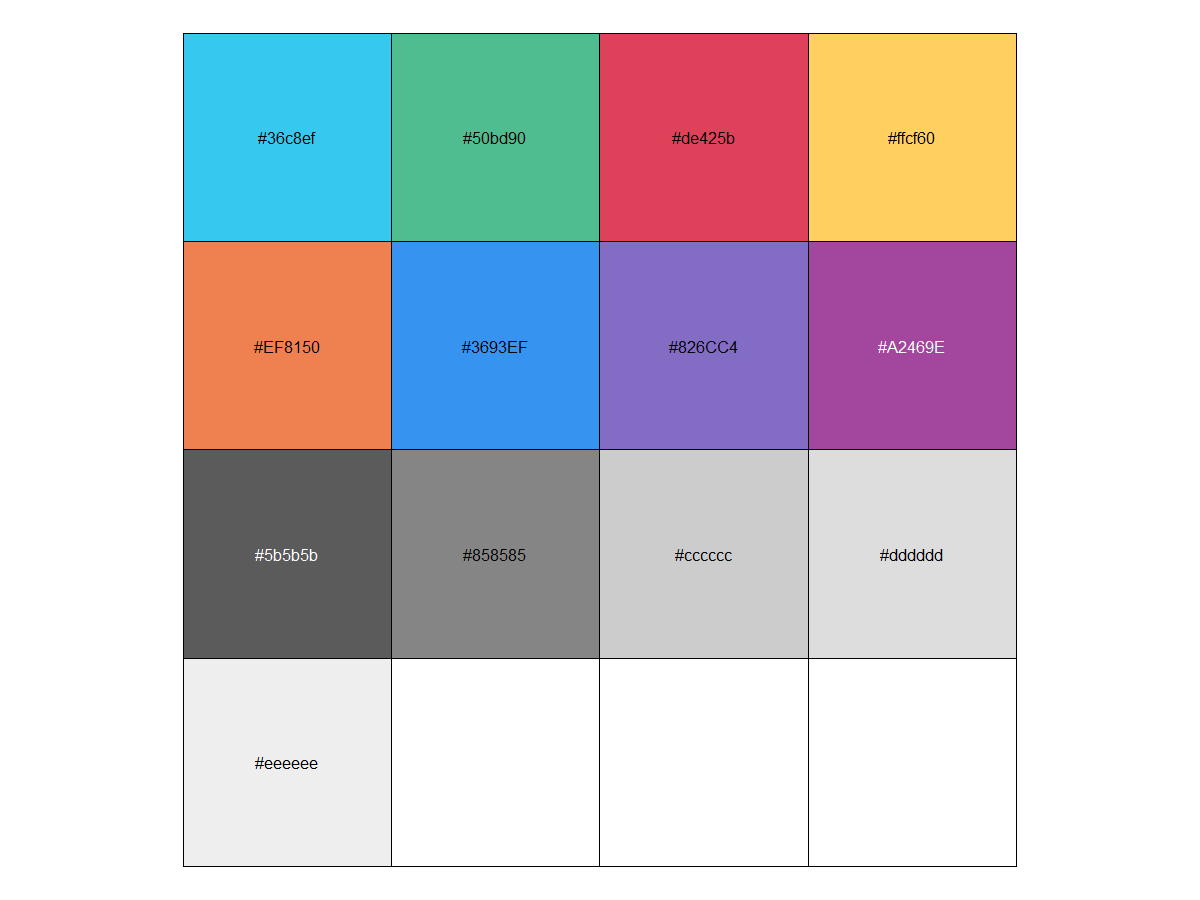
Note
Note that adding Gradient fonts are only possible if you have
installed the fonts on your computer.
Examples
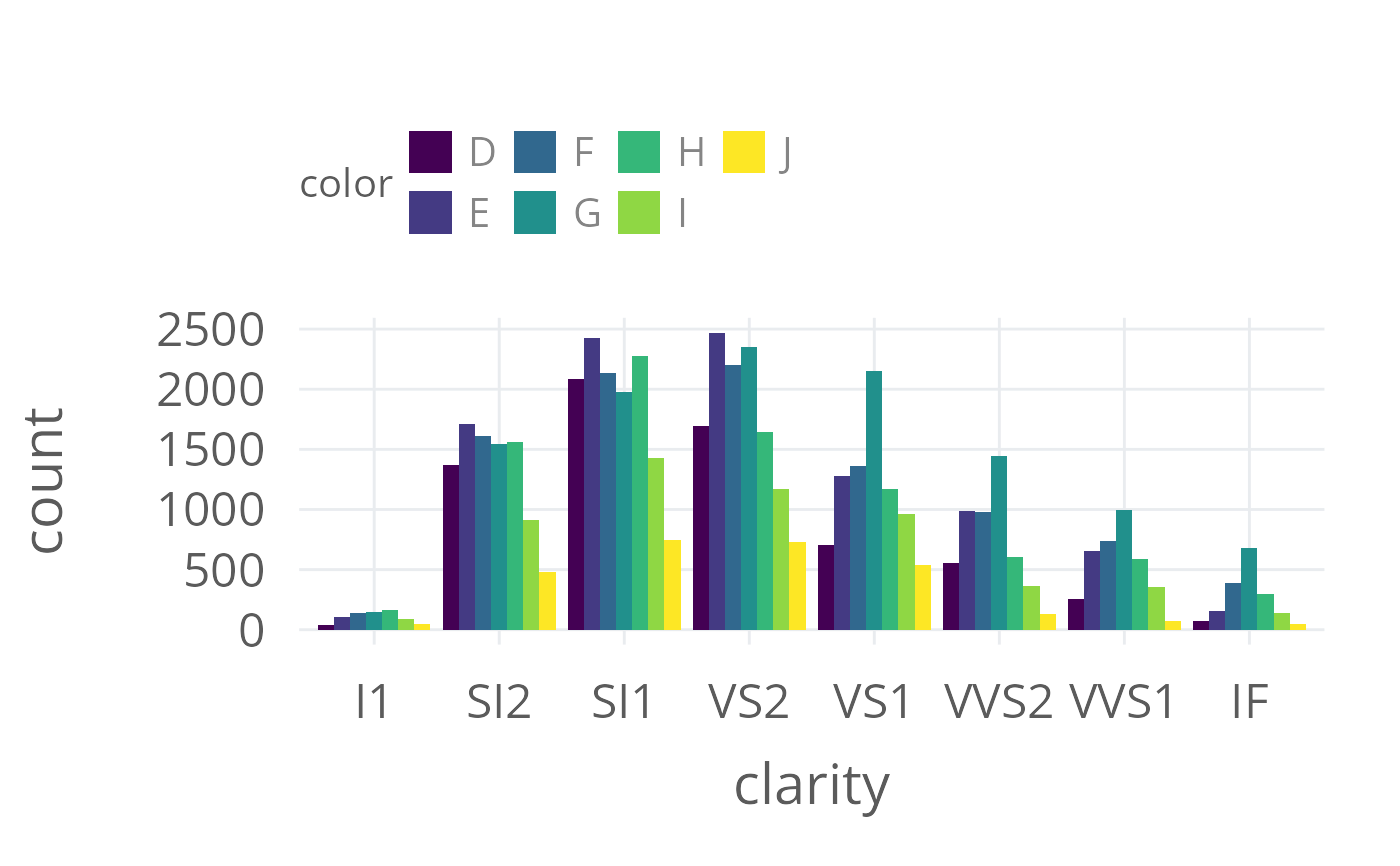
library(ggplot2)
ggplot(diamonds, aes(x = clarity, fill = color)) +
geom_bar(position = position_dodge()) +
theme_g6tr()
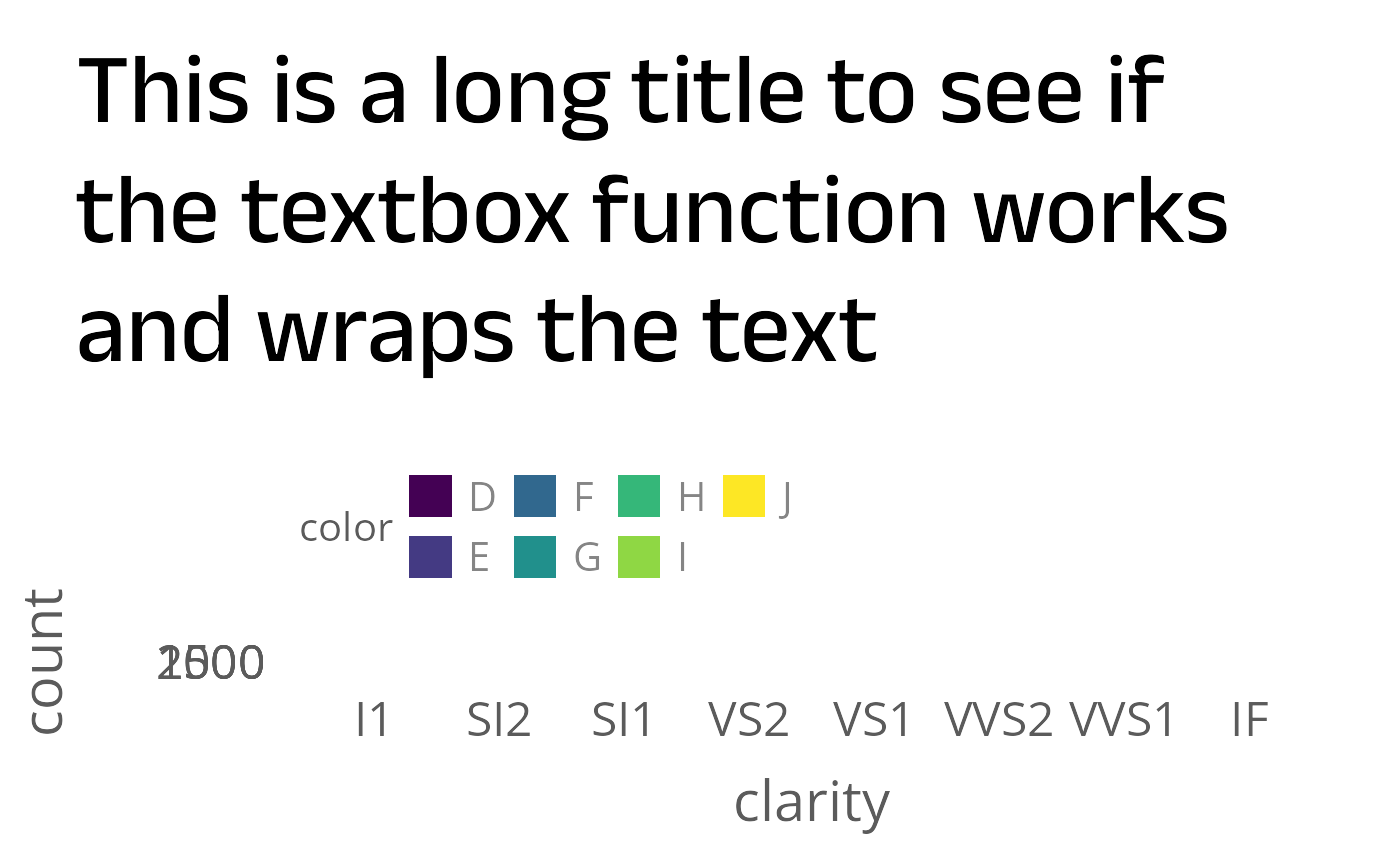
 ## Get rid of an axis line and test title textbox.
ggplot(diamonds, aes(x = clarity, fill = color)) +
geom_bar(position = position_dodge()) +
theme_g6tr(x_grid = FALSE,
y_grid = TRUE) +
labs(title = "This is a long title to see if the textbox function works and wraps the text")
 ## turn off textbox
ggplot(diamonds, aes(x = clarity, fill = color)) +
geom_bar(position = position_dodge()) +
theme_g6tr(x_grid = FALSE,
y_grid = TRUE,
title_textbox = FALSE) +
labs(title = "This is a long title to see if the textbox function works and wraps the text")