Reorder a column before plotting with faceting, such that the values are
ordered within each facet. This requires two functions: reorder_within()
applied to the column, then either scale_x_reordered()or
scale_x_reordered() added to the plot.
This is implemented as a bit of a hack: it appends ___ and then the facet
at the end of each string.
Usage
reorder_within(x, by, within, fun = mean, sep = "___", ...)

scale_x_reordered(..., sep = "___")

scale_y_reordered(..., sep = "___")
Source
"Ordering categories within ggplot2 Facets" by Tyler Rinker.
Arguments
- x
Vector to reorder.
- by
Vector of the same length, to use for reordering.
- within
Vector of the same length that will later be used for faceting
- fun
Function to perform within each subset to determine the resulting ordering. By default, mean.
- sep
Separator to distinguish the two. You may want to set this manually if ___ can exist within one of your labels.
- ...
In
reorder_within()arguments passed on tostats::reorder(). In the scale functions, extra arguments passed on toggplot2::scale_x_discrete()orggplot2::scale_y_discrete()
Examples
library(tidyr)
library(ggplot2)
iris_gathered <- gather(iris, metric, value, -Species)
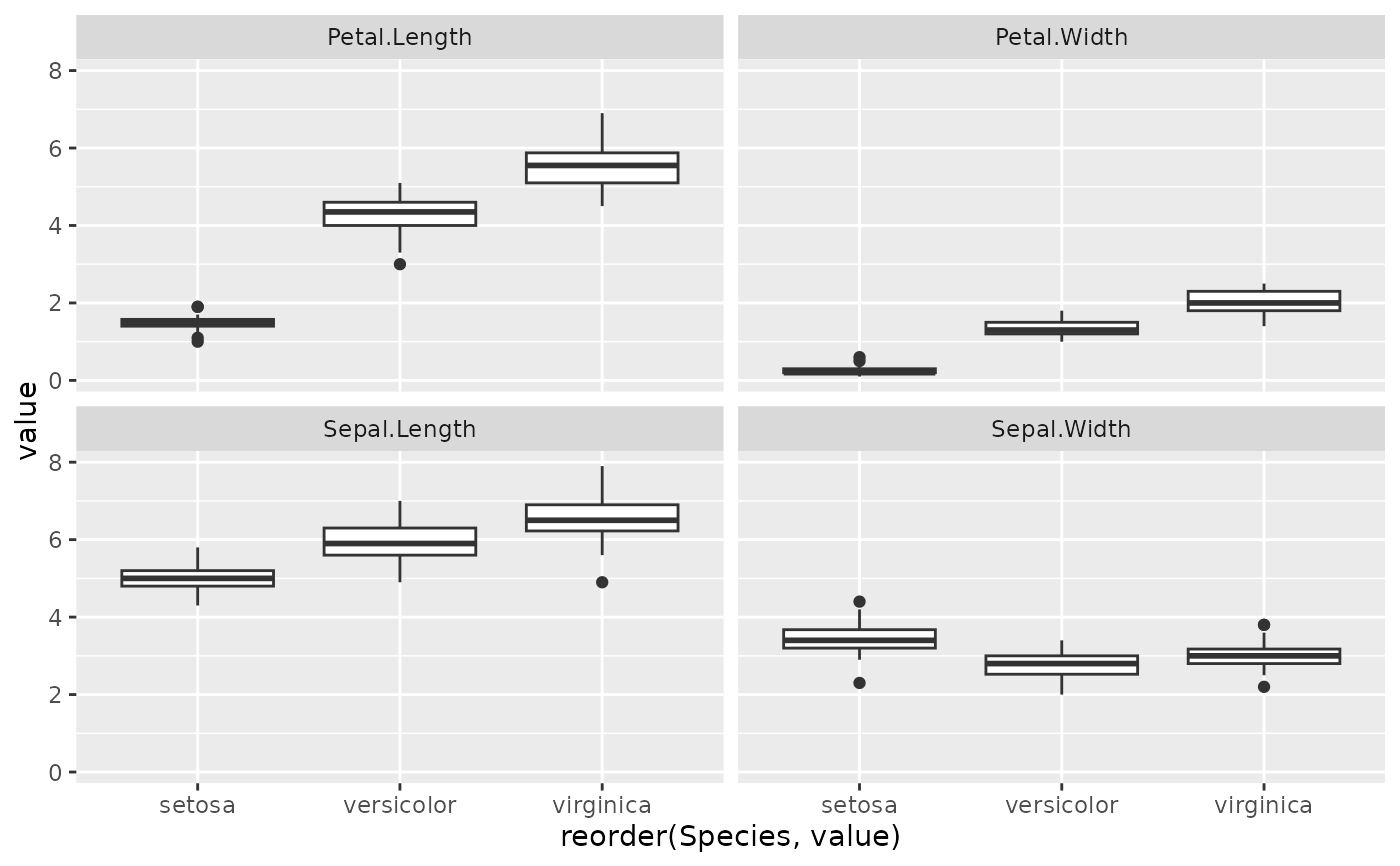
# reordering doesn't work within each facet (see Sepal.Width):
ggplot(iris_gathered, aes(reorder(Species, value), value)) +
geom_boxplot() +
facet_wrap(~metric)
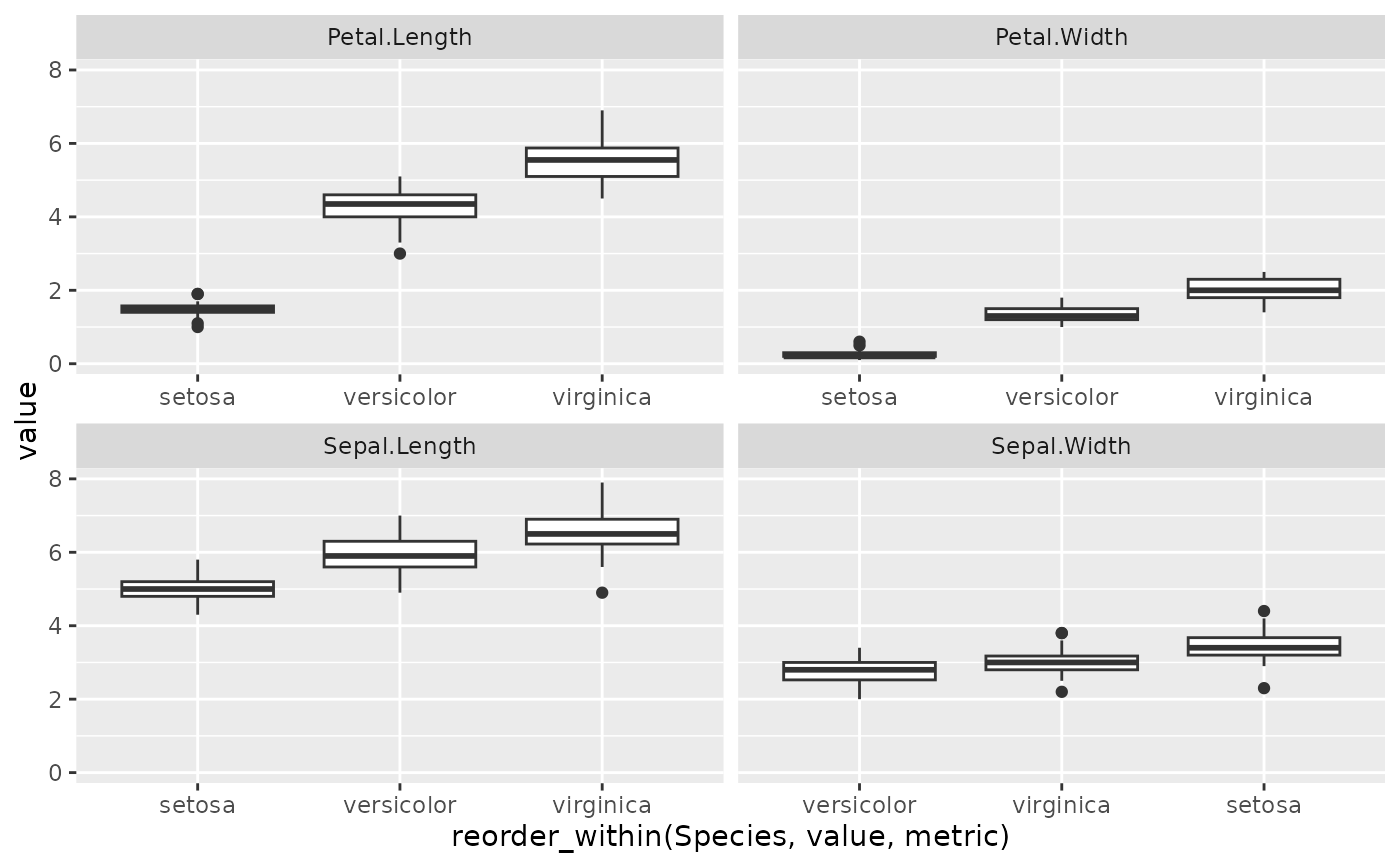
 # reorder_within and scale_x_reordered work.
# (Note that you need to set scales = "free_x" in the facet)
ggplot(iris_gathered, aes(reorder_within(Species, value, metric), value)) +
geom_boxplot() +
scale_x_reordered() +
facet_wrap(~metric, scales = "free_x")