Create a base gradient theme which can be easily tweaked for any brand.
Usage
create_base_theme(
  base_size = 30,
  color_background,
  color_grid,
  color_axis_text,
  color_axis_title,
  color_subtitle,
  color_title,
  family_title,
  family_number,
  family_text,
  title_position = "plot",
  title_textbox = TRUE,
  axis_text_size = base_size * 0.5,
  axis_title_size = base_size * 0.7,
  facet_strip_bg = color_background,
  facet_strip_color = color_background,
  facet_strip_text_color = color_axis_title,
  x_grid = TRUE,
  y_grid = TRUE,
  transparent = FALSE
)
Arguments
- base_size
Numeric. All text elements in the plot are scaled based on this size.
- color_background
Character. Background color of plot.
- color_grid
Character. Color of plot grid.
- color_axis_text, color_axis_title
Character. Color of plot text and title.
- color_title, color_subtitle
Character. Color of plot title and subtitle
- family_title
Character. Font family of plot title
- family_number
Character. Font family of numbers in plot
- family_text
Character. Font family of plot text
- title_position
Character. Where should plot text/subtitle and caption be located. One of
panelandplot(default). Pass in a vector (plot.title, plot.caption) if you want different positions for plot.title and plot.caption.- title_textbox
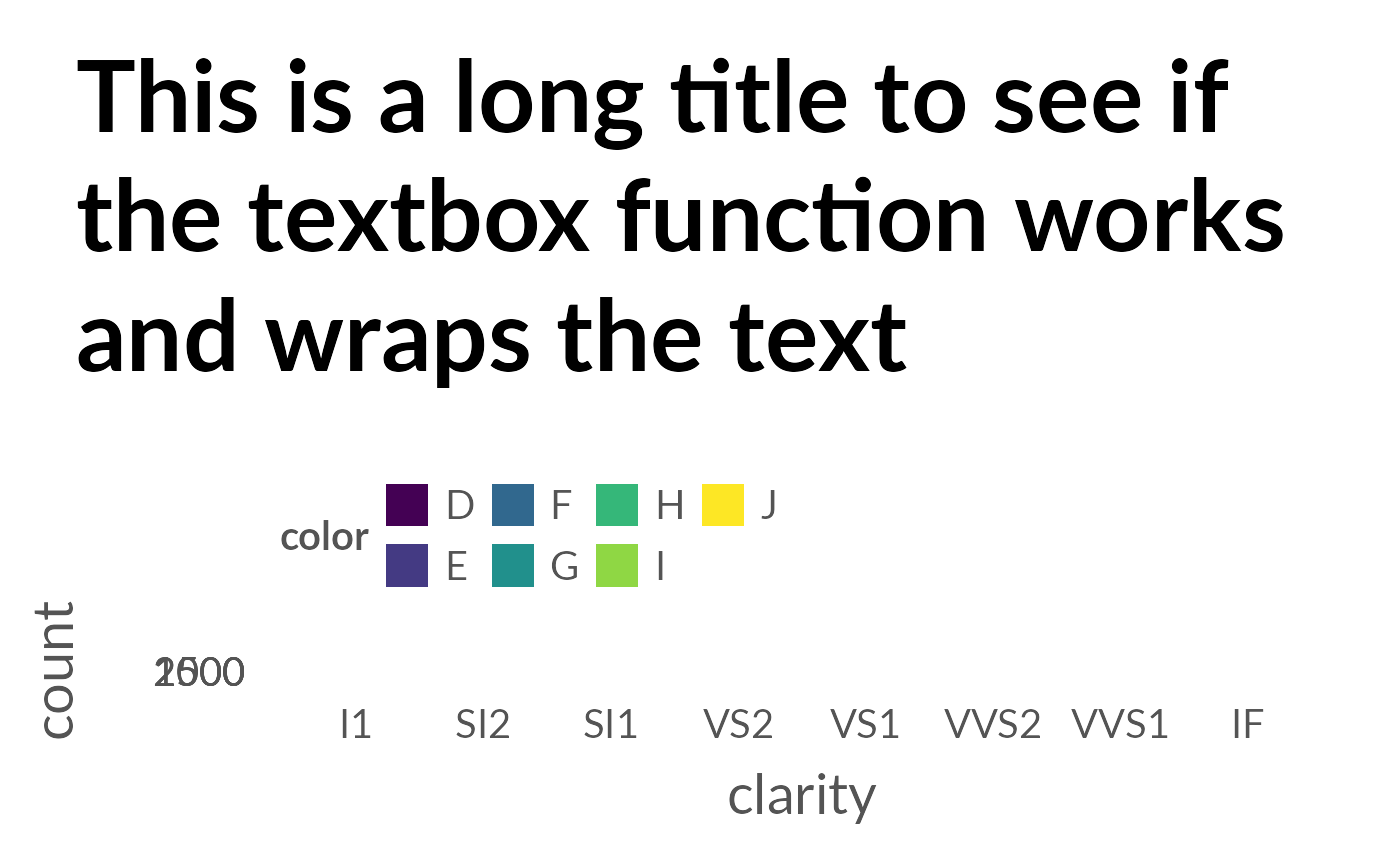
Logical. If the
ggtext::element_textbox_simple()should be used or not. Default isTRUEbecause this will automatically wrap the text if it's too long.- axis_text_size
Numeric. Size of axis text. Pass in a vector (x, y) if you want different sizes for x and y axis.
- axis_title_size
Numeric. Size of axis title Pass in a vector (x, y) if you want different sizes for x and y axis.
- facet_strip_bg, facet_strip_color, facet_strip_text_color
Character. Color for facet strip background, border and text..
- x_grid, y_grid
Logical. Do you need the axis and panel grid lines on the x and y axis?
- transparent
Should the plot output type be transparent? (default is
FALSE) FALSE gives the plot a'white'background.
Examples
## Let's create a new template for CZI using `create_base_theme` as base
library(ggplot2)
sample_theme_czi <- function(base_size = 30,
transparent = FALSE,
title_position = "plot",
axis_text_size = base_size * 0.5,
axis_title_size = base_size * 0.7) {
# colors
color.background <- "#ffffff"
color.background.grey <- czi_pal("neutrals")(2)[2]
color.grid.light <- czi_pal("neutrals")(2)[2]
color.grid <- czi_pal("neutrals")(2)[1]
color.axis.text <- czi_pal("neutrals")(2)[1]
color.axis.title <- czi_pal("neutrals")(2)[1]
color.title <- "#000000"
color.subtitle <- czi_pal("neutrals")(2)[1]
g6tr_font <- g6tr_get_fonts(use_brand = "czi")
title_family <- g6tr_font$title_family
number_family <- g6tr_font$number_family
text_family <- g6tr_font$text_family
theme <- create_base_theme(
base_size = base_size,
color_background = color.background,
color_grid = color.grid,
color_axis_text = color.axis.text,
color_axis_title = color.axis.title,
color_subtitle = color.subtitle,
color_title = color.title,
family_title = title_family,
family_number = number_family,
family_text = text_family,
title_position = title_position,
axis_text_size = axis_text_size,
axis_title_size = axis_title_size
)
return(theme)
}
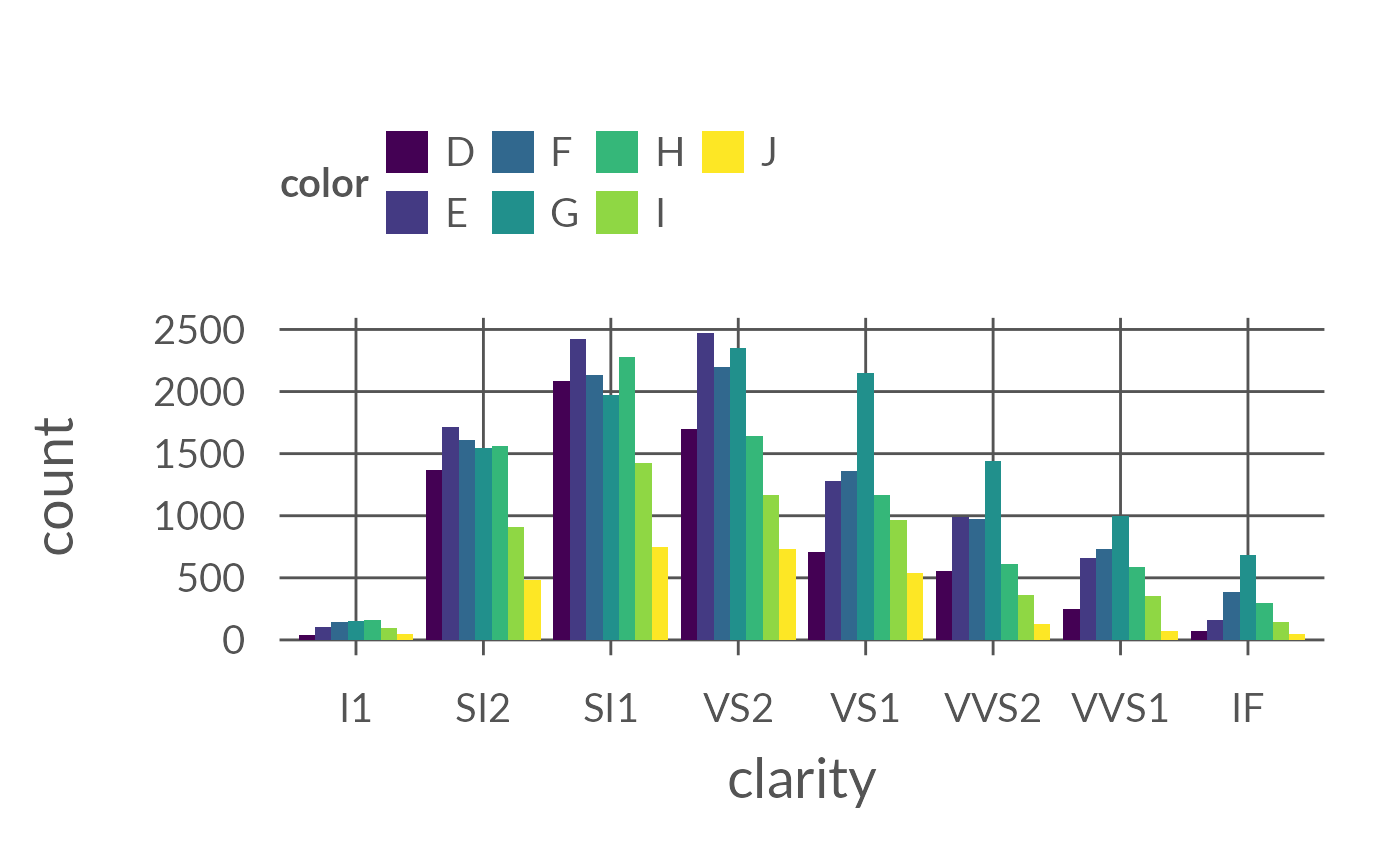
ggplot(diamonds, aes(x = clarity, fill = color)) +
geom_bar(position = position_dodge()) +
sample_theme_czi()
 ggplot(diamonds, aes(x = clarity, fill = color)) +
geom_bar(position = position_dodge()) +
sample_theme_czi() +
labs(title = "This is a long title to see if the textbox function works and wraps the text")